
How to Publish Your Agent on CodeAtoms
Publishing your agent on CodeAtoms allows developers around the world to discover, use, and buy your product.
This guide walks you through the exact process of publishing your agent step-by-step.
1. Go to the Upload Agent Page
From the main navigation, click on the “Profile” option. This page contains a publish your agent page which contains a simple form where you can enter your agent details and submit it for review. All fields are required.
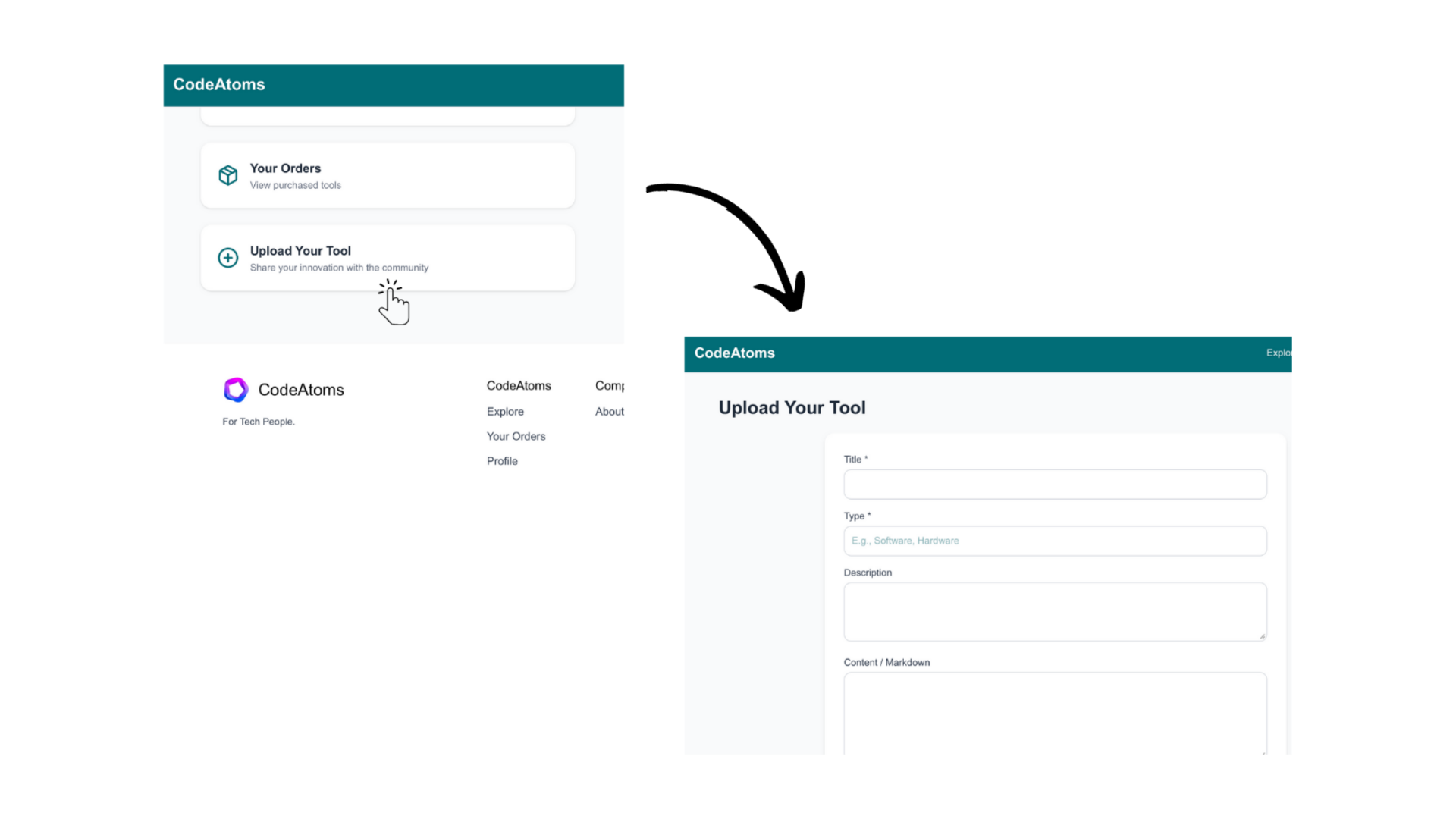
2. Fill in the Agent Details
Enter your title, and a tag that matches what you have built.
Use the Description field to summarize your tool purpose and unique features. Keep it concise and meaningful.
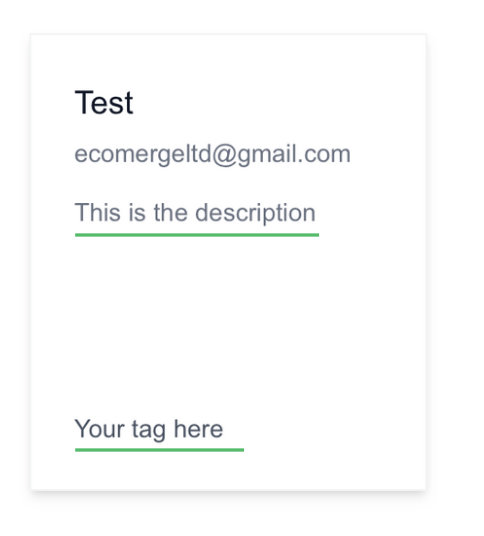
3. Fill Your Agent Details (Important)
The Content and Markdown section allows you to add detailed documentation for your agent. This can include setup instructions, usage examples, feature explanations, and any important technical notes.
You may also provide a direct link to your tool's download page or upload the tool directly to CodeAtoms hosting. Please note that CodeAtoms supports file uploads up to a maximum size of 50MB.
Ensure the information is clear, structured, and comprehensive so users can easily understand the purpose, functionality, and value of your tool.
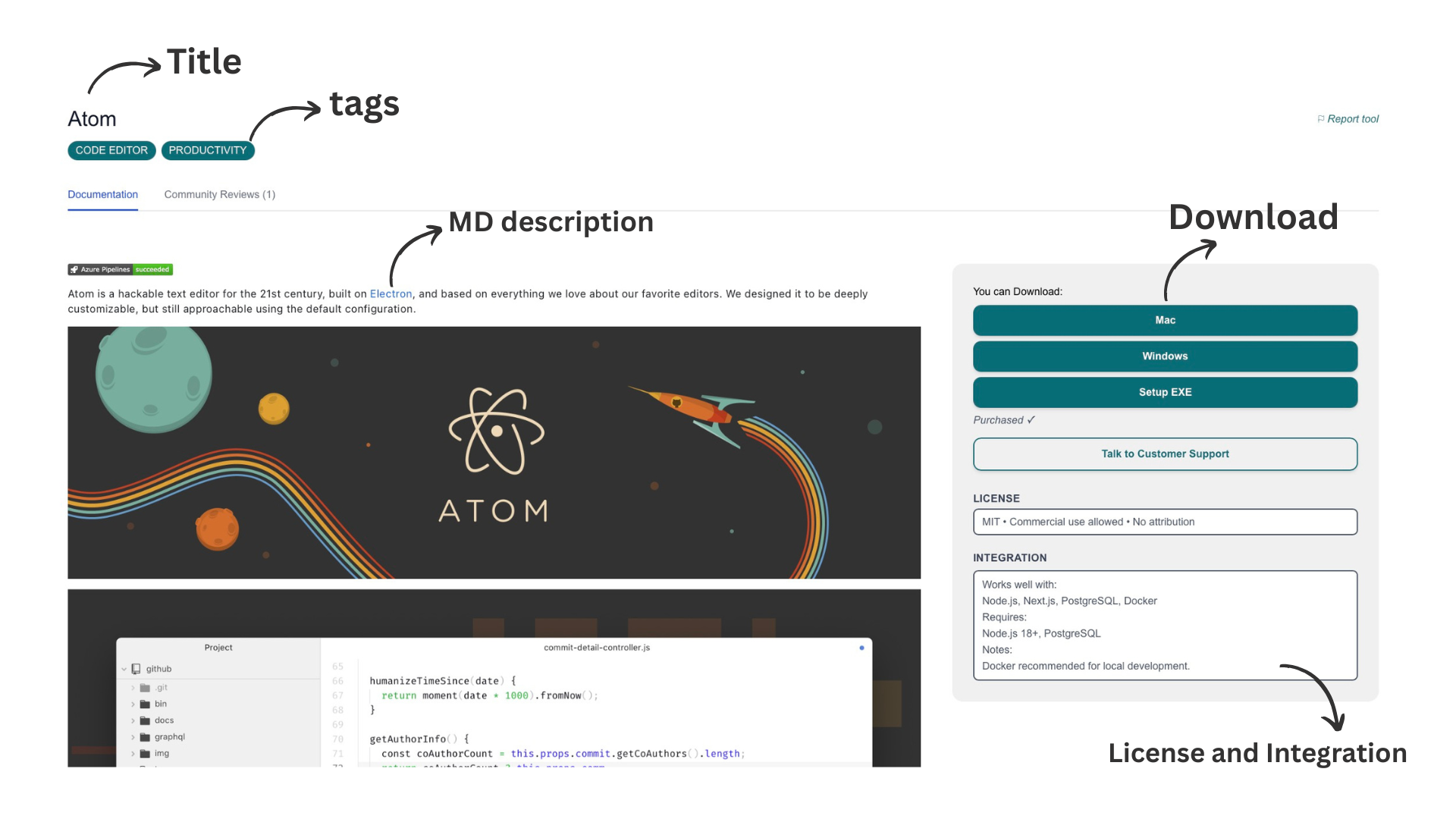
5. Publish Your Agent
Once everything is filled out, click the “Upload Agent” button. Your submission will be reviewed by our team and you will be notified once it is live on the marketplace.
Important
Incomplete or poorly structured submissions may result in your tool not being approved on CodeAtoms.
Highest impact on approval:- Content and Markdown documentation
- Working Demo or Tool link
Tips for a Great Listing
- Use a clear title (avoid abbreviations).
- Keep your description short but informative.
- Provide a working demo link.
- Add pricing, license and integration details clearly.